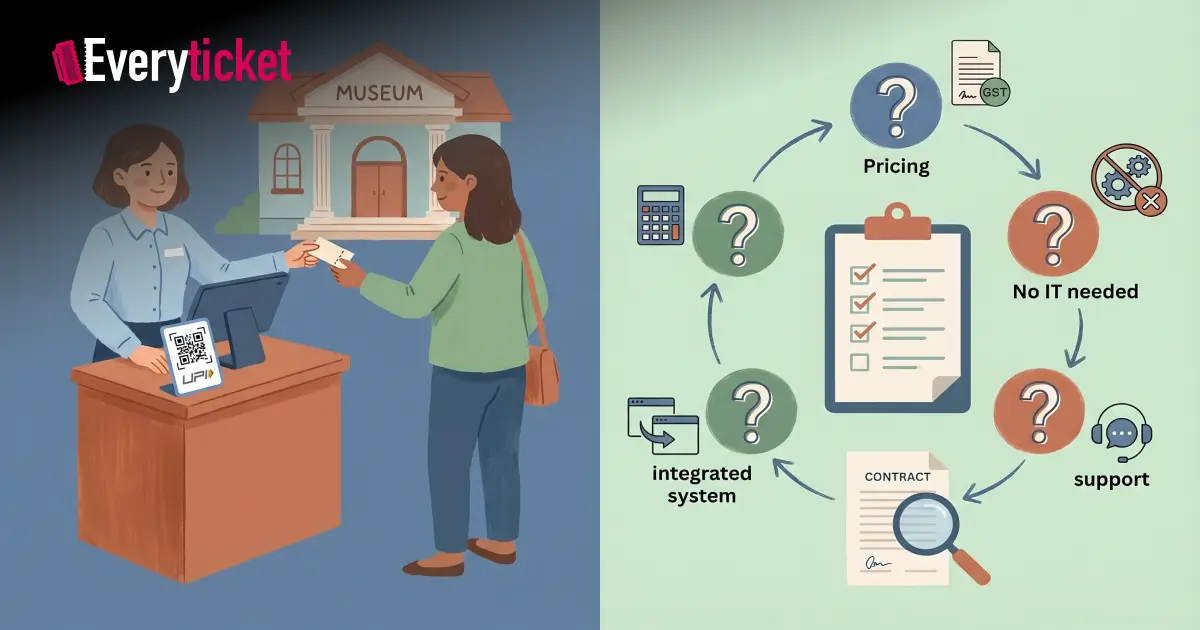
Most small museum directors I speak with arrive at the same conclusion after a software demo: the platform looked capable, but it was designed for a venue three times their size. Small museum ticket management does not need forty features and an enterprise contract. It needs accurate admission processing, GST-compliant invoicing, UPI payment support, and a setup that does not require an IT team to maintain. Before you sign a contract for ticketing software for museums, ask these five questions.
Key Takeaways
– Per-ticket pricing models cost small museums significantly more than flat-rate subscriptions at typical volumes
– GST invoicing and UPI support must be native features in any museum management software, not manual configuration tasks
– Counter staff should be operational on day one without technical training
– Online booking and walk-in POS must share a single dashboard, not separate systems
– Post-sale support quality is as important as the platform itself
Question 1: Does the pricing model match your actual ticket volume?
The most common mistake when evaluating ticketing software for museums is comparing features without comparing pricing structures. Per-ticket fee models charge a percentage on every admission. At 500 tickets per month, the figure looks manageable. Add online booking fees, payment gateway charges, and annual platform fees, and the total cost of small museum ticket management shifts considerably.
Flat monthly subscriptions are easier to budget and more cost-efficient at typical small museum volumes. Run the numbers at your current monthly ticket count before placing any two platforms side by side. I have seen small museums paying more in per-ticket fees each year than a flat subscription would have cost.
- Ask: What is my total monthly cost at 300, 500, and 1,000 tickets?
- Ask: Are online booking fees charged separately from counter sales?
- Ask: Are there setup, training, or early exit fees?
A pre-purchase ROI calculation can help you compare pricing models accurately before committing to any platform.
Question 2: Does it handle GST invoicing and UPI payments natively?
Museum management software built outside India treats GST as a configuration task. Your finance team ends up mapping tax categories, testing invoice outputs, and verifying reports against filing requirements. For a small museum without a dedicated finance team, this is a substantial recurring overhead.
GST-compliant invoices should generate automatically at each transaction, not after a manual data export. The same applies to UPI. According to the National Payments Corporation of India, UPI processes over 16 billion transactions monthly across the country. Visitors at museums expect to pay by UPI at the counter and online. A ticketing platform that cannot accept UPI natively is not built for operational requirements here. When your finance team reviews the end-of-day settlement, every UPI, card, and cash transaction should appear in a single reconciled report, without manual aggregation.
- Ask: Does the system generate GST-compliant invoices automatically at each point of sale?
- Ask: Which payment modes are supported natively: UPI, cards, Pine Labs, PayU?
- Ask: Does the daily settlement report align with government audit formats?
If you are assessing platforms for the first time, UPI and tax compliance requirements for museum ticketing cover what to verify before signing a contract.
Question 3: Can your staff handle small museum ticket management without IT support?
Enterprise museum management software assumes there is a trained system administrator on the team. It ships with configuration manuals, backend setup guides, and integration documentation written for IT departments. Small museums with five to ten staff members do not have this resource.
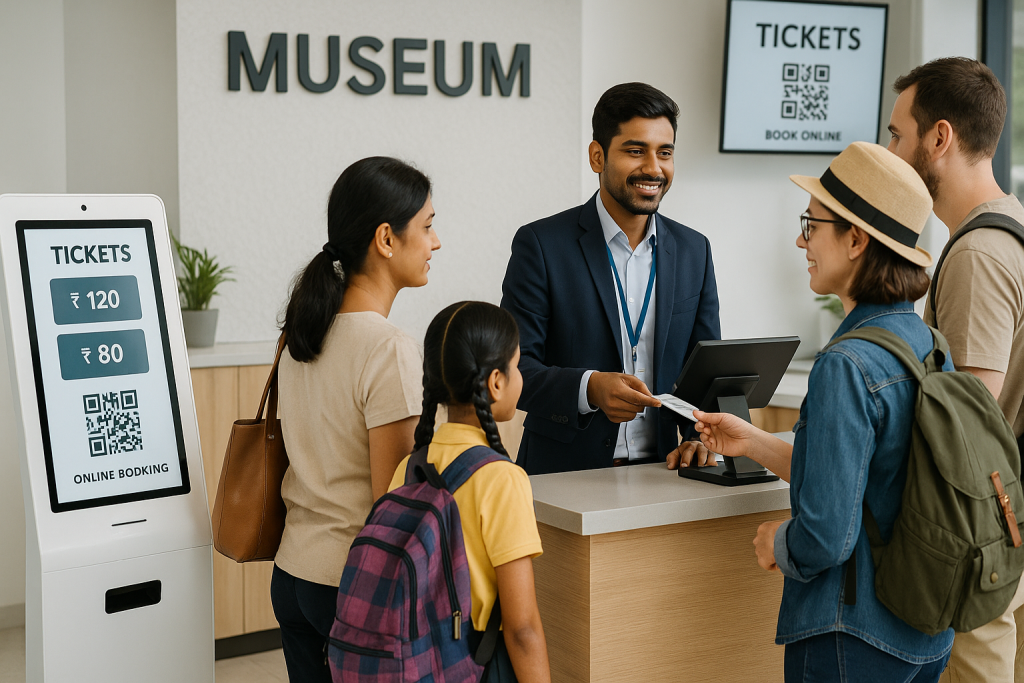
The right question in a demo is not what the platform can do. It is how long it takes a counter staff member to process a walk-in ticket on their first day. If the answer involves a training programme or more than fifteen minutes of orientation, the system was built for a different type of operation.
Small museum ticket management should run from a single interface that staff open every morning. One login. One dashboard. Ticket prices, concession categories, and end-of-day reports should be accessible without backend configuration.
- Ask: What is the onboarding timeline for counter staff?
- Ask: Is staff training included in the subscription, or billed separately?
- Ask: Can operations continue uninterrupted if the primary operator is absent?
Question 4: Does online booking and walk-in POS run from one dashboard?
When evaluating ticketing software for museums, the online and POS integration question is the one most sales representatives avoid during a demo. Many platforms offer online booking and POS as separate modules, each with its own interface. The result is two dashboards, two reconciliation workflows, and two data sets to manage each day.
When a visitor claims they booked online but has no QR code, your staff has no single place to verify. When you check morning occupancy, you are pulling from two systems. Online ticketing improves revenue for small museums only when online and counter inventory are managed in real time from the same source.
- Ask: Do online booking and walk-in POS share one dashboard?
- Ask: Does inventory update across both channels in real time?
- Ask: How does the system handle a sold-out online slot when a walk-in visitor arrives?
Question 5: What does post-sale support look like for an institution your size?
This question separates vendors who understand Indian museum operations from those who do not. The International Council of Museums advises institutions to evaluate vendors on alignment with operational context, not only on technical features. For small Indian museums, that context means GST audit requirements, multi-category pricing for domestic and foreign nationals, SAARC concessions, and financial exports formatted for government review.
Ask for a reference from at least one Indian museum using the platform at a comparable scale. If the vendor cannot provide one, that is a meaningful data point in your evaluation. A vendor who has never deployed at a small institution will not know which configurations create friction for a team of five, or which reports matter most to a government auditor reviewing ticket revenue.
- Ask: Who is my primary support contact after go-live?
- Ask: What is the response time guarantee for support tickets?
- Ask: Can you provide a reference from an Indian museum with similar monthly visitor volume?
Built for small museum ticket management: what EveryTicket offers
We built EveryTicket specifically for Indian museums processing between 100 and 5,000 tickets per month. GST invoicing, UPI support, and multi-category pricing for Indian nationals, foreign nationals, and SAARC visitors are standard features, not configuration tasks. Online booking and counter POS run from a single dashboard. Counter staff are operational within 60 minutes of setup. No IT configuration is required.
Plans start at ₹7,000/month with no per-ticket commissions. Every ticket sold goes to the museum, not toward a platform fee structure. If you are comparing ticketing software for museums, the best ticketing software guide for Indian museums covers the leading options by institution size and volume.
Built for small museums. Start your free trial.
Conclusion
Small museum ticket management does not require enterprise software. It requires a system scaled for your operation, compliant with tax requirements, and usable without a technical team. The five questions above are designed to surface the gap between what a vendor demonstrates and what your staff encounters on day one. Pricing structure, GST compliance, operational simplicity, system integration, and post-sale support determine whether museum management software works for your institution. Before finalising any vendor decision, review the Indian museum procurement checklist to confirm every compliance and operational requirement is addressed.
FAQs
What is small museum ticket management software?
Software that handles admissions, online booking, counter POS, and GST invoicing for institutions with low-to-mid monthly ticket volumes.
How much does ticketing software for small museums cost in India?
Flat-rate plans typically start around ₹7,000 per month. Per-ticket models vary based on volume and gateway fees.
Do small museums in India need GST-compliant ticketing software?
Yes. Any museum collecting admission revenue must issue GST invoices. Manual billing creates compliance and audit risk.
Can a small museum set up online ticketing without an IT team?
Yes, with the right platform. Setup should take under 60 minutes and require no technical configuration from staff.
What should I ask a vendor before buying museum management software?
Ask about total cost at your volume, native GST invoicing, UPI support, post-sale support SLA, and an Indian museum reference.