Ticketing software for events stops crashing during a sale drop when the platform has six things in place: a virtual waiting room in front of the stack, autoscaling with warm capacity, queue-based payment writes, load tests run at five times expected peak, graceful degradation of non-essential features, and live observability with circuit breakers. Every other “tip” is downstream of these six.
I have watched ticket drops in India fail in the first 60 seconds more times than I want to admit. The product is usually fine. The marketing is usually fine. The infrastructure underneath the booking page is what gives way. This guide is for event organizers and ops teams who are choosing a vendor and want to know what reliable looks like before the on-sale moment.
Key Takeaways
– Most ticketing software for events does not fail because of total demand. It fails in the first 60 seconds of concurrent demand.
– The six controls that prevent crashes are: virtual waiting room, autoscaling, queue-based writes, load testing at 5x peak, graceful degradation, and observability.
– UPI retry storms and write contention on the same ticket SKU are the two failure modes specific to the Indian event market.
– An online ticketing system that survives surges treats the payment step as asynchronous, not as a synchronous database write.
– Procurement teams should ask the vendor for the actual load-test report, not a marketing slide claiming “scalable cloud infrastructure”.
Why event ticketing software crashes in the first 60 seconds of a drop
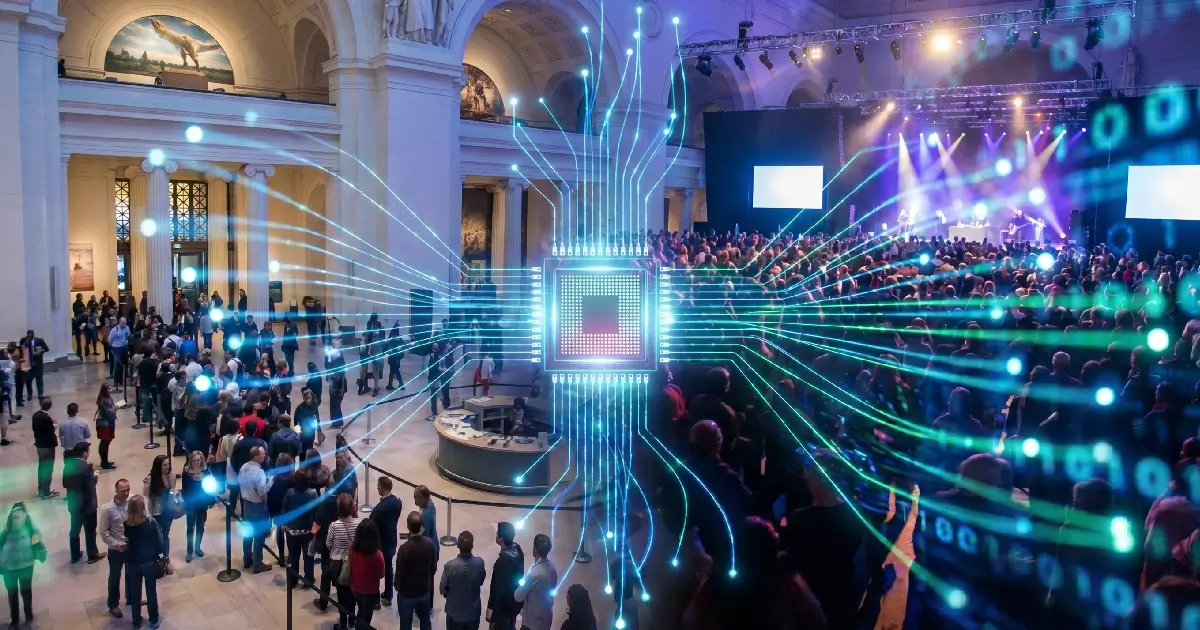
A 50,000-ticket sale and a 5,000-ticket sale put the same kind of load on the stack if both go on sale at exactly 12:00 PM. Steady-state daily traffic is not the test. Concurrent-user spike is.
Three failure modes show up repeatedly:
- Write a contention on the same SKU. Twenty thousand users trying to claim the same ticket type in the same second creates row-lock contention on one database row. Throughput drops to single digits per second.
- UPI retry storms. Indian payment flows route through UPI as the dominant method. When the payment gateway slows under load, mobile apps retry automatically. Retries multiply the load.
- Synchronous payment writes. The booking is held open until the payment is confirmed. If the system writes the booking only after the gateway responds, every slow payment becomes a held connection. The thread pool exhausts in seconds.
A platform that handles the surge has been designed for these specific failure modes, not for “general scalability”. The engineering teams running the largest ticket on-sales globally have written publicly about exactly these patterns, and the waiting room and asynchronous write architecture is the standard answer.
The six-part reliability blueprint for ticketing software for events
This is the blueprint I use when evaluating any festival ticketing platforms or vendor pitching event-scale workloads.
Load testing at five times the expected peak
Run a synthetic load test at five times the peak you expect, with the same payment flow the real users will follow. Anything less, and you have not actually tested the surge. The output should be a written report with throughput, error rate, and the bottleneck the test exposed.
Virtual waiting room in front of the stack
Hold excess users in a waiting room outside the booking stack. The waiting room caps concurrency to a level the system can serve, and lets users in at a measured rate. Booking only begins once a user is admitted, so the database never sees the unfiltered surge.
Autoscaling with warm capacity
Cloud autoscaling reacts in tens of seconds. A ticket drop fails in seconds. Pre-warm capacity 30 minutes before the on-sale, then let autoscaling handle the rest. Cold scaling alone is not enough.
Queue-based payment writes
The booking page should acknowledge the user instantly, write the booking intent to a message queue, and let the payment confirmation happen asynchronously. This is the single architectural change that prevents the thread-pool exhaustion seen in most crashes.
Graceful degradation
When the load crosses a defined threshold, switch off non-essential features automatically. Recommendation widgets, social feeds, and analytics scripts should be the first to go. The core path of select, pay, and confirm must stay alive.
Observability and circuit breakers
Real-time dashboards on error rates, queue depth, and payment success per second. Circuit breakers that stop calling the payment gateway if its error rate crosses a threshold, then resume when it recovers. Without these, the team is operating blind during the surge.
Questions to ask any festival ticketing software vendor before signing
Procurement teams routinely accept “scalable cloud infrastructure” as a substitute for evidence. It is not. The festival ticketing software you sign should answer the following questions concretely.
- Show me your most recent load-test report at five times peak.
- What is your concurrent-user ceiling on the booking page before the waiting room engages?
- Is the booking write synchronous with the payment confirmation, or queued?
- What features automatically degrade at high load, and which stay live?
- What is your historical uptime during on-sale events, not the annual uptime average?
- How do you handle UPI retries that arrive after the user has already paid?
These questions separate vendors who have actually engineered for surge from those who have not. Treat any vague answer as a no.
What we built into the EveryTicket online ticketing system for surges
We engineered the EveryTicket online ticketing system around the failure modes I have walked through here. Bookings are queued asynchronously, UPI retries are deduplicated at the gateway boundary, capacity is pre-warmed for scheduled on-sales, and the platform supports high-traffic New Year events and festival drops without manual intervention. The UPI checkout is hardened against retry storms. Once entry begins, the same platform supports crowd flow management at the venue, so the reliability story does not stop at the sale. Never crash at peak, talk to EveryTicket.
Conclusion
Ticketing software for events is not judged on average performance. It is judged on the worst 60 seconds of the year, the moment the on-sale opens, and ten thousand users hit refresh. The six controls in this blueprint are the difference between a sold-out launch and a brand-damaging outage. Procurement teams who ask for the load-test report and the architecture answer, not the marketing claim, do not end up rebuilding a launch in public. The next on-sale on your calendar is the right moment to demand both. If your current platform cannot provide either, you have already found your answer. Reliable event ticketing for cultural venues and large festivals starts with that conversation.
Frequently Asked Questions
Why does ticketing software for events crash even on large cloud platforms?
Cloud capacity is not the problem. Database write contention on the same ticket SKU and synchronous payment writes exhaust thread pools first.
What is a virtual waiting room, and why does an online ticketing system need one?
A waiting room caps concurrent users entering the booking stack, holds the rest in line, and releases them at a rate the system can serve.
How do I load-test festival ticketing software realistically?
Run a synthetic test at five times peak with the same payment flow real users follow, and demand a written report with throughput and error rates.
Will autoscaling alone keep my ticket drop online?
No. Autoscaling reacts in tens of seconds. Pre-warm capacity 30 minutes before the on-sale, then let autoscaling handle steady-state growth.
How does UPI affect surge handling on Indian event ticketing platforms?
UPI dominates Indian payments. Apps retry automatically when gateways slow, so the platform must deduplicate retries to prevent compounded load.