If your museum hosts special exhibitions, the best event ticketing software is the one that keeps entry smooth, supports event monetization, and gives your team full control without creating event-day chaos.
For museums, this usually means more than a basic ticketing tool. You need software that can handle timed slots, online booking, walk-ins, QR check-in, reporting, and changing visitor demand during limited-run events.
Why do museums need event ticketing software?
Special exhibitions are different from regular museum visits.
They often bring higher footfall, fixed time slots, limited capacity, promotional campaigns, and more pressure on the front desk. A manual setup or a basic booking tool can quickly turn into long lines, staff confusion, and missed revenue.
That is why event ticketing software matters. It helps museums manage entry better, sell more efficiently, and keep the full event experience under control.
What makes museum events harder to manage?
Museum events are not just about selling tickets.
A special exhibition may include weekend rush, member access, school groups, premium passes, limited entry windows, add-ons, and last-minute changes. If the ticketing system is weak, the whole event feels harder to run.
Common issues usually include:
- crowded entry points
- oversold or unclear time slots
- manual guest list checking
- slow on-site validation
- poor visibility into ticket sales
- weak reporting after the event
- missed upsell chances
This is where the right event ticketing software makes a real difference.
What should the best event ticketing software include?
A museum-ready system should help both visitors and staff.
It should be easy for visitors to book and easy for event teams to manage under pressure.
The most useful features usually include:
- online booking
- timed entry
- QR or barcode ticket validation
- walk-in and counter sales
- POS integration
- real-time availability
- discount and promo code setup
- reporting dashboard
- mobile-friendly booking flow
- support for group bookings
- easy refund or reschedule handling
For museums, simple event control matters more than flashy features.
Is regular ticketing software enough?
Not always. Regular ticketing software may work for standard museum entry, but special exhibitions usually need tighter control. You may need separate pricing, limited slots, campaign tracking, event-based reporting, and faster check-in.
That is why museums often need event ticketing software that can handle both standard operations and event-specific pressure.
If the tool cannot adapt during a busy exhibition, it is not the right fit.
What should event managers compare first?
Start with the parts that affect event-day operations most.
Look at:
- How easy it is to create event-based ticket types
- Whether timed entry is flexible
- How fast QR check-in works
- whether online and on-site sales stay synced
- How clearly the dashboard shows live sales
- whether the platform supports upsells or add-ons
- How easy it is for staff to use during rush hours
A software demo can look good. But the real test is simple: will this reduce confusion on a busy exhibition day?
Which problems affect event monetization most?
Event monetization suffers when the system is hard to manage.
If visitors face booking friction, some do not complete the purchase. If entry is slow, staff spend more time solving crowd issues than supporting paid experiences. If reports are weak, the museum cannot understand which campaigns, slots, or offers performed best.
The right software helps monetize better by making the full journey smoother.
That can include:
- cleaner ticket setup
- better slot control
- smoother checkout
- easier upsells
- better event data
- faster entry experience
Revenue is not only about pricing. It is also about how easily people can book and attend.
What does good software look like during a special exhibition?
Imagine a museum running a 30-day special exhibition.
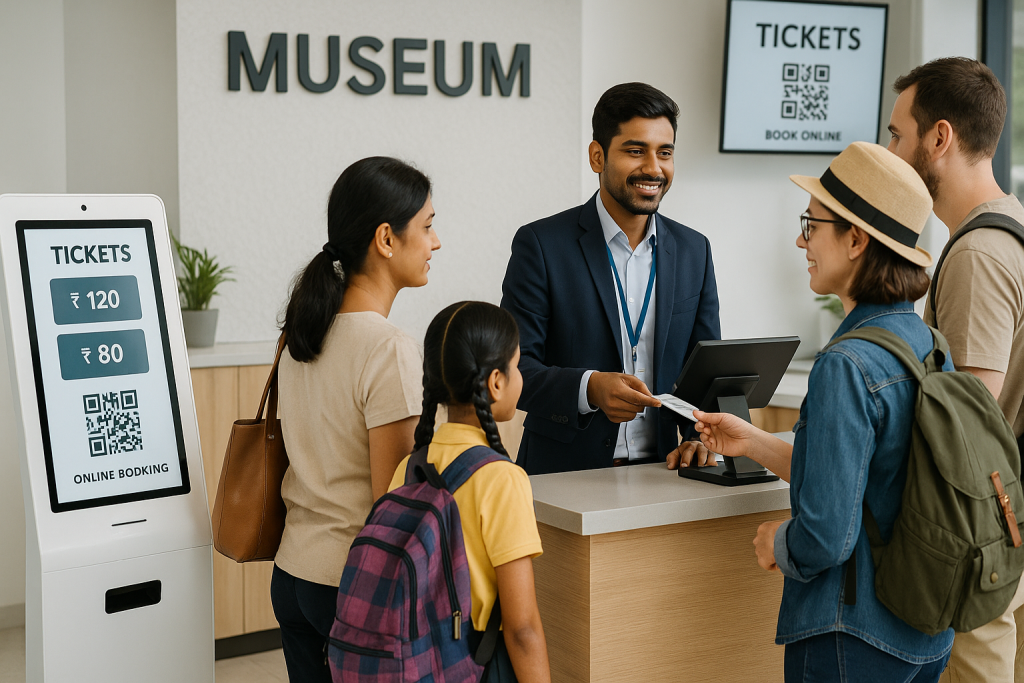
Tickets are released in timed slots. Visitors book online, get digital confirmation, and arrive with QR-based tickets. Walk-ins can still buy at the counter if slots are available. Staff scans tickets quickly. Admin teams can see sales and attendance from one dashboard.
Now compare that with a weak setup.
Visitors are unclear about availability. Staff manually check lists. Entry gets crowded. Reports come late. Teams spend more time fixing issues than running the event well.
That is the real difference between software that only sells tickets and software that actually supports events.
How do you know which platform is right?
The right platform is the one that fits museum event operations, not just general event sales.
Ask simple questions:
- Can it handle high-demand time slots?
- Does it support smooth check-in?
- Is the booking flow easy on mobile?
- Can it manage both online and counter sales?
- Does it help track event performance clearly?
- Is it easy for event staff to learn fast?
For museums, ease of use is a big deal. If staff need too much training just to run one exhibition, that creates more stress during live events.
What do teams often overlook?
Many teams focus only on ticket sales. But special exhibitions also need crowd control, flexible pricing, smoother check-in, and clean post-event reporting. If the platform handles only transactions and not operations, event chaos still remains.
Another thing teams overlook is scalability. A system may work for one small event but fail when demand rises.
That is why it is better to choose software that supports both present needs and future exhibitions.
What should museums ask before a demo?
Before speaking to any provider, museums should be clear about what they need.
Ask:
- Can we create event-specific ticket types easily?
- Can we control entry by slot or schedule?
- Does the system support QR validation?
- Can it handle both online booking and walk-ins?
- What reporting do we get during and after the event?
- Can we use it for future exhibitions too?
- How quickly can staff learn it?
These questions usually tell you more than a long feature list.
Why does the right software matter for leads and growth?
For museums, a special exhibition is not just a one-time event. It is also a chance to attract more visitors, improve retention, and build stronger revenue opportunities.
If the event runs smoothly, the museum creates a better visitor impression. If the system captures useful data, the team can improve future campaigns and offers.
Good event ticketing software supports both the event itself and what comes after it.
That is why choosing the right platform matters beyond one exhibition.
Why talk to EveryTicket?
If your museum is planning special exhibitions and wants to avoid event-day chaos, it helps to work with a platform that understands real ticketing operations, not just generic event sales.
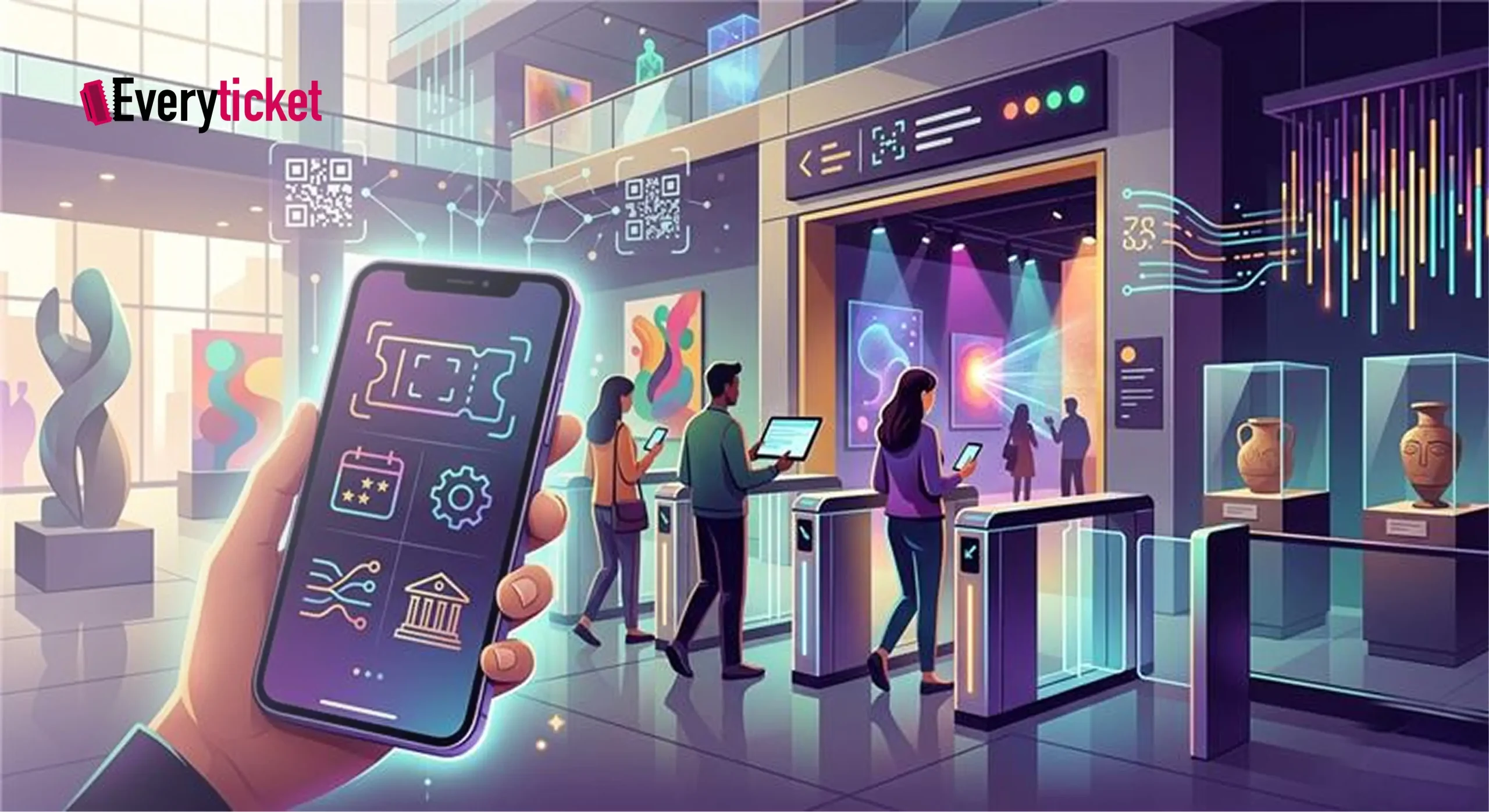
EveryTicket helps museums manage bookings, timed entry, QR-based validation, reporting, and on-ground event flow in a more connected way. That means less confusion for staff and a smoother experience for visitors.
What makes that more useful is implementation experience. Solutions like this have already been used in real places, so the setup is shaped by practical event needs, not just theory.
If your team is comparing event ticketing software for museum exhibitions, talking to EveryTicket is a practical next step. It can help you understand what will work best for your events, what features matter most, and how to run exhibitions with better control and better revenue visibility.