Museum finance and operations leads manage complex daily transactions. They process admission fees, handle gift shop purchases, and accept donations. When facilities process these payments through disconnected platforms, they create data silos. Finance teams then spend hours manually reconciling receipts against bank statements. This manual process introduces accounting errors and obscures actual daily revenue. Organizations solve this operational flaw by deploying a centralized museum EPOS ticketing system.
The Operational Cost of Fragmented Data
Fragmented software creates isolated information databases. The front desk uses one software program to sell admission passes. The gift shop uses a separate retail point of sale. The website processes online bookings through a third gateway. These disconnected platforms force finance staff to export multiple spreadsheets and match transactions line by line at the end of every shift.
Isolated information repositories prevent organizational leaders from gaining comprehensive visibility into their operations and finances. Without a unified view, operations managers struggle to calculate the average revenue per visitor.
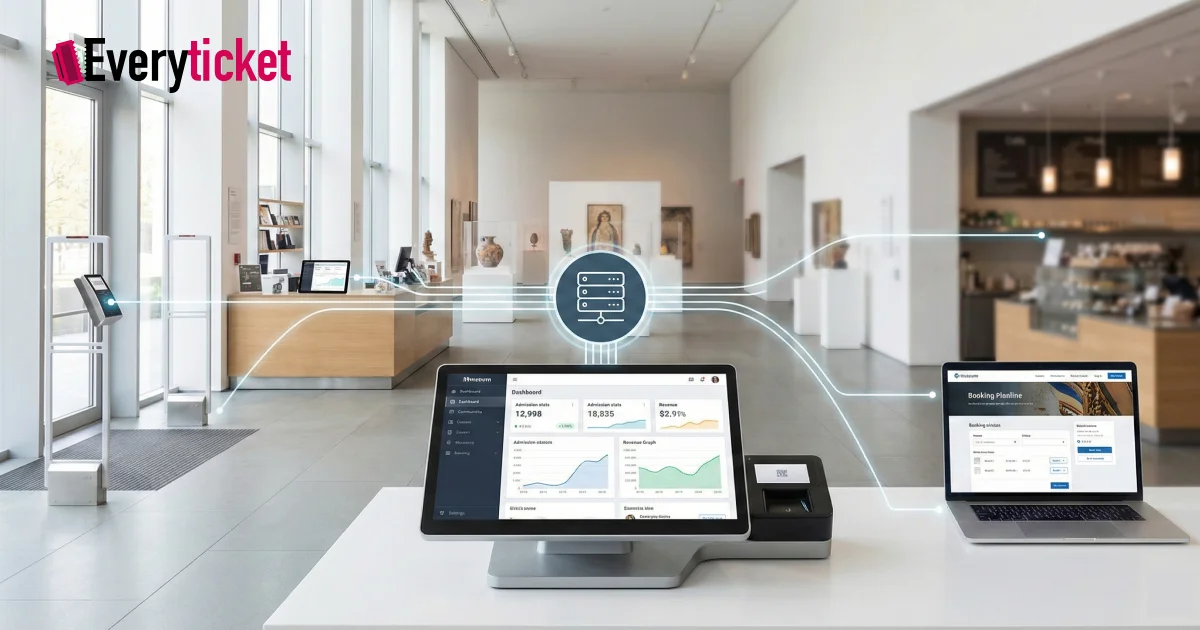
Disconnected databases obscure inventory loss and complicate tax calculations. Implementing an integrated POS solves this issue. It routes every transaction into a single repository. Staff view real-time revenue across all departments. This eliminates manual data entry and provides accurate financial reports instantly.
Standardizing Revenue Collection Through Unified Platforms
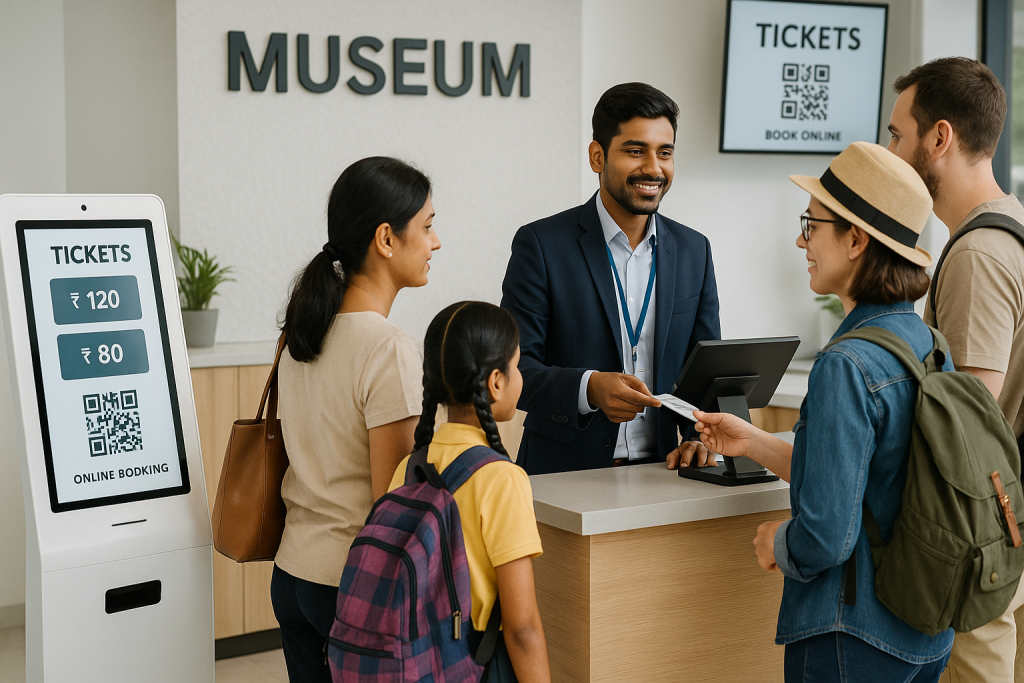
A museum EPOS ticketing system standardizes how a venue collects money. A visitor purchases a timed-entry pass online. Later, they buy a coffee at the cafeteria and a book at the retail store. An integrated POS records all three purchases under one daily ledger. The finance department sees the exact breakdown of ticket sales versus retail revenue.
This synchronization simplifies the payment reconciliation process. An integrated POS accepts UPI, credit cards, and cash, and logs each payment type automatically. You eliminate the need to cross-reference different payment processor statements. To understand how specific hardware setups support this function, review the guidelines for selecting the best museum point of sale system.
Real-Time Analytics Drive Financial Forecasting
Accurate financial forecasting requires reliable historical data. Operations leads use analytics to predict busy seasons, schedule staff, and allocate budgets for future exhibits. When data remains stored in separate systems, generating these reports takes weeks. Administrators waste labor hours compiling data instead of analyzing it.
A centralized setup provides immediate access to analytics. Finance directors generate audit-ready reports with one click. They track which ticket types generate the most revenue and identify specific spending patterns in the retail shop. They identify low-performing merchandise and adjust procurement orders.
The Network of European Museum Organisations (NEMO) emphasizes that adapting to digital transformation and utilizing data is a necessary process for modern museums to remain operational and relevant. Generating accurate analytics aligns with this standard. Data access shifts management strategies from reactive problem-solving to proactive planning.
System Infrastructure and Hardware Requirements
Deploying a new museum EPOS ticketing system requires strict IT planning. Operations leads must select platforms that support modern cloud infrastructure and open API connections. Secure connections protect visitor payment data and ensure compliance with regional financial regulations.
Facilities processing thousands of transactions daily require robust data encryption. Learn more about the technical requirements for upgrading facility software in this overview of IT solutions for museums.
A reliable museum EPOS ticketing system functions offline. If the internet connection drops, the software continues to process cash sales and print receipts. Once the connection returns, the system syncs the offline data with the central server.
This offline capability prevents operational downtime during peak visitor hours. Hardware compatibility also determines system success. The software must integrate with existing barcode scanners, receipt printers, and cash drawers to minimize initial hardware replacement costs.
Capacity Management and Visitor Flow Synchronization
Data silos negatively impact capacity management. If the online store and the front desk do not share inventory data, the facility will oversell tickets. This creates overcrowding and violates building safety codes.
An integrated POS updates ticket inventory instantly across all sales channels. If a user buys the last available slot online, the front desk terminal immediately shows that time slot as sold out. Staff can also operate mobile integrated POS handhelds to scan tickets and process payments anywhere in the building. This action reduces lines at the main entrance. You can review additional features to look for in a museum ticketing platform to ensure the software supports mobile scanning and live synchronization.
Comparison of Siloed Software Against Centralized Systems
Organizations must evaluate their current processes to identify inefficiencies. A side-by-side comparison highlights the operational differences.
| Operational Function | Siloed Software Systems | Centralized Museum Systems |
| Data Storage | Disconnected databases require manual exports. | Single database updates all departments instantly. |
| Financial Reporting | Finance teams manually consolidate daily totals. | Automated reports generate end-of-day balances. |
| Payment Processing | Separate gateways process ticketing and retail. | One gateway handles all facility transactions. |
| Data Analytics | Incomplete data prevents accurate forecasting. | Real-time analytics provide comprehensive insights. |
| Capacity Tracking | Delayed inventory updates cause overselling. | Live synchronization prevents overcrowding. |
This table demonstrates the practical ticketing system benefits for museums. Moving from manual processes to automated workflows reduces administrative overhead. It allows finance teams to focus on budget optimization rather than data entry.
Unify Facility Operations
Centralizing reporting and payments is a mandatory step for facilities looking to reduce costs and improve accuracy. A museum EPOS ticketing system provides the infrastructure needed to achieve this centralization. It connects the front desk, the website, and the retail shop into one manageable interface.
Operations leads rely on exact analytics to manage building capacity and direct staff. Finance teams require an integrated POS to guarantee that every processed payment matches the bank deposits.
EveryTicket provides these specific operational tools by consolidating ticketing, retail operations, and payment gateways into a single platform. To review how this infrastructure manages facility operations, explore EveryTicket’s unified capabilities.
Ultimately, replacing fragmented systems with unified software establishes accurate financial reporting. It reduces administrative labor, eliminates data silos, and secures the long-term operational stability of the facility.
FAQs
What is a museum EPOS ticketing system?
A museum EPOS ticketing system combines point-of-sale hardware and admission software. It processes visitor entry fees, retail purchases, and donations through a single centralized platform to eliminate fragmented financial data.
How does an integrated POS solve data silos?
An integrated POS routes all daily transactions directly into one shared database. This automated process ensures finance teams access uniform revenue reports instantly, eliminating the requirement for manual spreadsheet reconciliation.
Why do museum operations leads need real-time analytics?
Real-time analytics provide immediate visibility into building capacity, ticket sales, and merchandise performance. Operations leads use this exact data to adjust staff schedules and manage visitor flow during peak hours.
Can a museum EPOS ticketing system process offline payments?
Yes, a reliable system processes cash transactions and prints receipts without an active internet connection. It synchronizes the offline sales data directly with the main server once internet connectivity returns.
How does this software improve centralized payments?
The software consolidates online bookings, front desk entries, and retail purchases into a single payment gateway. Finance departments track all collected funds through one dashboard instead of multiple fragmented systems.