Indian museums require modern infrastructure to manage visitor entry. Procurement teams face vendor confusion when they choose an online ticketing service. Many vendors offer general event software. Museums need an online ticketing system built specifically for heritage sites. This article compares vendor capabilities to help museum directors make a clear decision.
The Indian government is upgrading cultural sites. The Archaeological Survey of India recently integrated ticket booking for historical monuments onto the Open Network for Digital Commerce. This national initiative sets a standard for any online ticketing service operating in the cultural sector. Visitors expect digital entry.
Main Challenges with Legacy Manual Systems
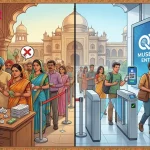
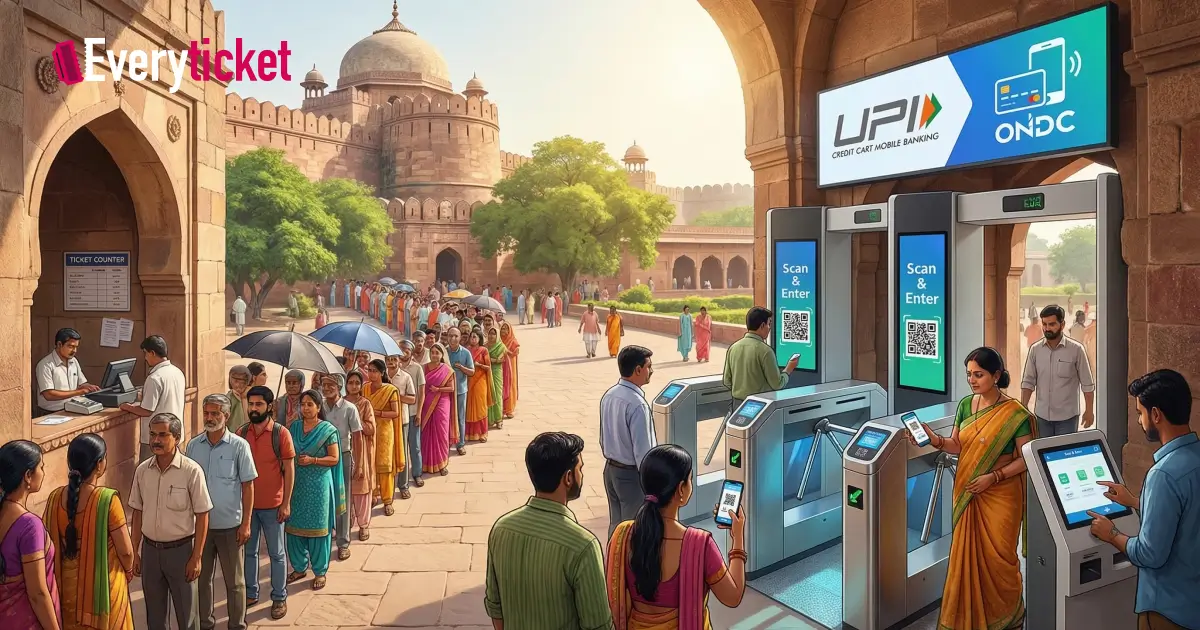
Museums using paper tickets face operational problems. Cash handling requires heavy security and manual reconciliation at the end of each day. Paper tickets create long queues at the entrance. Visitors wait in the heat during peak tourist seasons. Manual checking at the gate slows down the entry rate.
Procurement teams seek an online ticketing service to eliminate these bottlenecks. The goal is to move transactions from the physical counter to the visitor’s mobile phone.
Core Requirements for Museum Procurement Teams
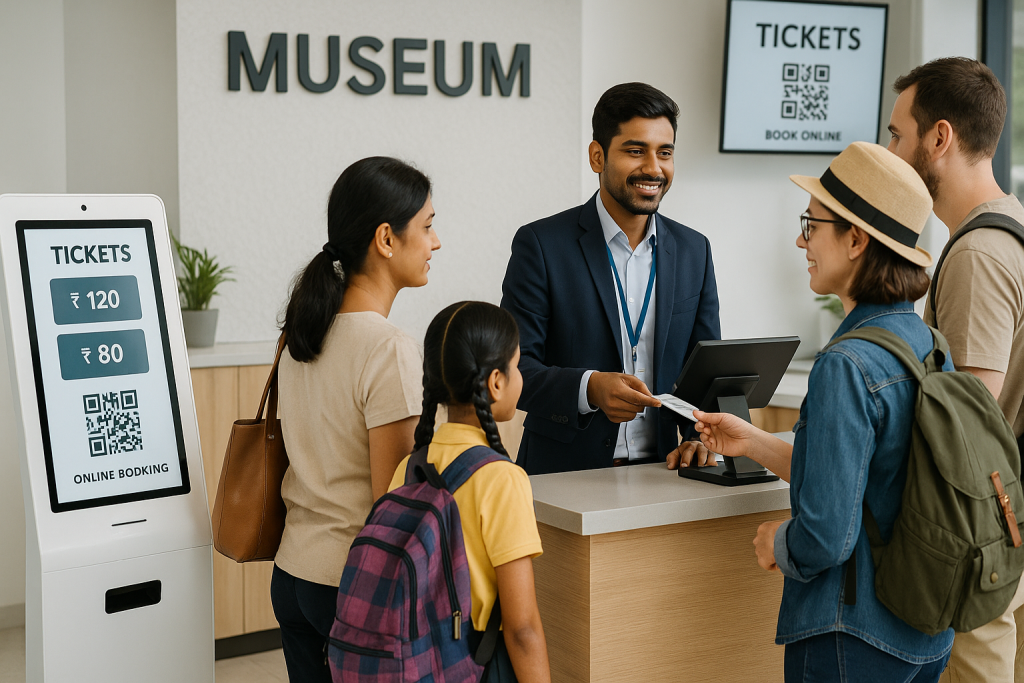
Museum directors evaluate online ticket services based on specific software features. Visitors require different price tiers. Indian citizens, foreign nationals, and students pay different entry rates. A standard online ticketing system must automate these calculations based on the user’s input. The software must apply the correct tax rate automatically.
Payment processing requires local integration. Indian consumers use the Unified Payments Interface (UPI). An online ticketing service must support UPI, credit cards, and local internet banking gateways. It must also comply with Indian tax regulations and generate compliant invoices.
Museums use multiple sales channels simultaneously. Visitors buy tickets at physical counters. They use mobile devices to buy tickets on websites. Some museums install self-service hardware to reduce counter lines. You can read a museum’s self-service kiosks operations guide to understand this hardware. An online ticketing system must sync ticket inventory across all these channels in real time to prevent double booking.
General Event Platforms Versus Museum-Specific Systems
Procurement officers must distinguish between general event software and specialized online ticketing solutions. General platforms handle one-time concerts or sports matches. Museums require ongoing daily operations management. Let’s compare these two categories of online ticket services.
| Feature | General Event Software | Museum-Specific System |
| Entry Management | Single scan validation | Timed entry and zone capacity control |
| Pricing Structure | Flat rate per ticket | Tiered pricing (Citizen, Foreigner, Student) |
| Sales Channels | Web only | Counters, web, and hardware kiosks |
| Hardware Integration | None | Turnstiles, boom barriers, and scanners |
| Reporting | Post-event summary | Real-time daily operations dashboards |
Museums need specialized online ticketing solutions to handle capacity control. Timed entry prevents overcrowding at specific galleries. The software restricts ticket sales for a specific hour once the capacity limit is reached.
How to Evaluate the Online Ticketing Service Vendor
Procurement teams must evaluate the technical support offered by online ticket services. Software issues stop visitor entry entirely. Vendors must provide immediate technical support during all museum operating hours, including weekends and public holidays.
Data security is another primary evaluation metric. The Ministry of Culture emphasizes digital security for cultural assets and visitor data across national institutions. An online ticketing system must secure visitor payment data and personal information. The software must offer role-based access control. Counter staff should only see sales screens. Finance teams need access to revenue reports.
Vendor selection requires reviewing the software’s reporting tools. Directors need data on visitor demographics and peak visiting hours. These reports help museums allocate staff efficiently. Implementing proper software allows a museum to analyze trends and increase its financial performance.
To learn more about this process, review how to maximize revenue with EveryTicket museum ticketing software. An effective online ticketing service provides daily, weekly, and monthly financial reports in exportable formats.
Infrastructure and Physical Hardware Integration
Software is only one part of the vendor decision. Museums require physical hardware at the entry gates. Procurement teams must find online ticket services that integrate seamlessly with physical turnstiles and handheld barcode scanners.
Visitors expect fast entry. QR code scanners speed up the entry process. When a museum selects an online ticketing system, the vendor must verify compatibility with existing physical gates. If the museum has no existing gates, the vendor should supply the necessary hardware.
Many heritage sites in India face intermittent network connectivity issues. The software must include an offline mode for physical counter sales. When the internet connection drops, counter staff must retain the ability to print tickets and manage queues. The software stores the transaction data locally on the machine. Once the connection returns, the software automatically syncs the data to the central server.
Integration reduces manual work for museum staff. You can understand the backend process by reading how a museum ticket booking system works. Smooth integration defines high-quality online ticketing solutions.
The Bottom Line
Vendor confusion ends when procurement teams focus strictly on museum-specific requirements. General platforms fail to meet the complex needs of heritage sites. Museum directors must demand multi-tiered pricing, local payment integrations, and hardware compatibility from online ticket services.
Evaluating online ticketing solutions takes time. Teams must request live software demonstrations. They must ask vendors about system uptime guarantees and local support channels.
EveryTicket builds software specifically for Indian museums and heritage sites. Our solution handles multi-tiered pricing, timed entry, and UPI payments natively. It integrates directly with physical turnstiles and counter printers. These features remove the friction from daily operations. Quality online ticketing solutions improve the visitor experience and secure museum revenue.
Museum directors and procurement officers can schedule a technical demonstration with EveryTicket to evaluate the software for their specific location.
FAQs
What is an online ticketing system for a museum?
An online ticketing system manages visitor entry digitally. It processes web sales, counter purchases, and kiosk transactions. This software synchronizes inventory instantly to prevent capacity issues.
How do online ticket services handle different visitor prices?
Museum-specific online ticket services automate tiered pricing. The software applies exact rates for citizens, foreigners, and students automatically at checkout. It computes local taxes instantly.
Does an online ticketing service integrate with physical entry gates?
Yes, a dedicated online ticketing service connects directly with hardware. It links to barcode scanners and turnstiles. This integration allows fast QR code validation for visitors.
Can online ticketing solutions process local payments like UPI?
Proper online ticketing solutions process unified payments natively. The software integrates local internet banking, credit cards, and UPI gateways. This ensures secure and compliant transactions.
What hardware do we need for an online ticketing system?
An online ticketing system requires basic hardware. Museums need physical counter printers, handheld QR code scanners, and physical turnstiles. The software syncs with these devices directly.